
How to Extract MP3 Audio from MP4 Videos: Fast, Free & Browser-Based
Learn how to extract high-fidelity 320 kbps MP3 audio from MP4, MOV, and WebM video files directly in your browser. Powered by client-side WebAssembly FFmpeg for zero upload delays and ironclad privacy.
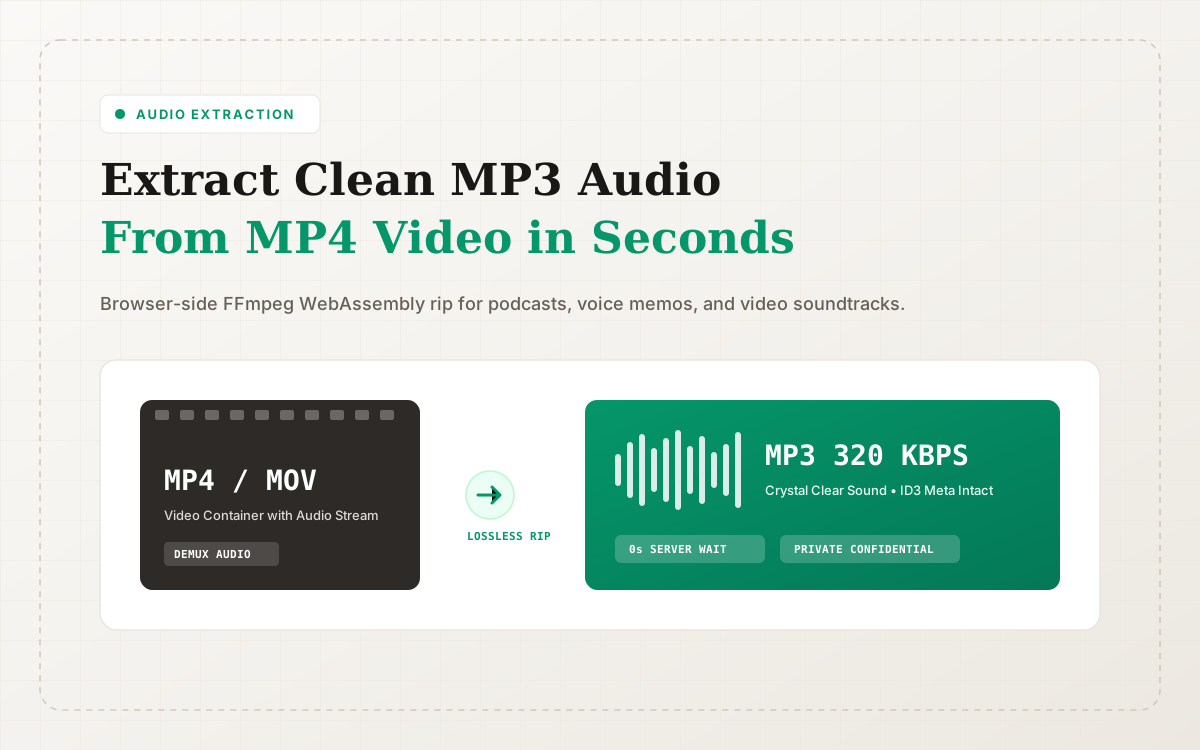
In digital content workflows and office productivity, you frequently encounter moments where you need sound without video:
- You saved a video podcast or keynote speech and want an MP3 soundtrack for offline listening on your morning run;
- You recorded a multi-hour executive meeting screen capture and need clean audio to feed into AI transcription software;
- You want to extract background score or vocal stems from a music video or video clip.
On ConvertZuno, you can perform this instantly using our MP4 to MP3 Converter or Extract Audio from Video tools.
There is no need to write arcane FFmpeg shell commands or upload gigabytes of heavy video footage to external cloud queues. Extract pristine audio tracks straight inside your browser in seconds.
Critical Flaws of Legacy Online Video Converters
Anyone who has used legacy conversion websites is familiar with their painful drawbacks:
- Endless Upload Bottlenecks: High-definition video files easily exceed several hundred megabytes or gigabytes. Uploading them across residential broadband can take 15 to 30 minutes before processing even starts;
- Severe Privacy & Leak Hazards: Proprietary company webinars, internal client interviews, and personal home videos uploaded to unknown third-party servers risk scraping and AI model training;
- Aggressive Audio Degradation: Free services heavily downsample audio bitrates to 96 kbps or 128 kbps to shave bandwidth, destroying audio clarity and dynamic range.
How ConvertZuno Extracts Audio at WebAssembly Speed
ConvertZuno disrupts this paradigm by bringing FFmpeg WebAssembly (WASM) directly into your browser client:
- Zero Cloud Upload Queues: Your video files load directly into client-side browser memory buffers.
- Fast Stream Demuxing: The engine extracts the raw audio stream (e.g. AAC or PCM) and runs a high-performance LAME encoder to output crystal-clear 320 kbps MP3 files.
- 100% Confidential Execution: Media processing runs entirely on your local CPU. Neither video frames nor audio samples are sent to external servers.
Choosing the Right Bitrate: 192 kbps vs. 320 kbps
ConvertZuno lets you customize output bitrates for your specific audio workflow:
- 320 kbps (Studio Master Grade): Ideal for music clips, vocal performances, and cinematic soundtracks. Delivers maximum frequency fidelity indistinguishable from the source master.
- 192 kbps (Balanced Standard): Optimized for podcasts, spoken webinars, and audiobooks, balancing pristine voice clarity with compact file size.
- 128 kbps (Compact Speech Grade): Best suited as lightweight input for speech-to-text transcription APIs.
Building an End-to-End Media Pipeline
Audio extraction is often one phase in a broader publishing workflow. Check out these interconnected tools on ConvertZuno:
- Convert uncompressed audio tracks using WAV to MP3 and M4A to MP3;
- Create and optimize podcast episode cover art with PNG to WebP and JPG to WebP;
- Shrink episode artwork payload weights using Compress Image and read our Image Compression Guide;
- Learn more about our privacy architecture in Welcome to ConvertZuno;
- Browse all tools anytime via the All Tools Directory or explore our Blog Hub.
Sources & References
Format and WebAssembly claims link to official references; actual conversion results depend on the source file and encoding settings.
Try ConvertZuno Media Tools Now
Browser-first processing with batch ZIP exports; see the privacy policy for data-handling boundaries.