
Complete PNG & JPG to WebP Guide: Cut Bandwidth and Boost Core Web Vitals
Learn when to convert PNG and JPG images to WebP, which ConvertZuno tool to use, and how smart format selection strengthens crawl paths, image SEO, and Core Web Vitals performance.
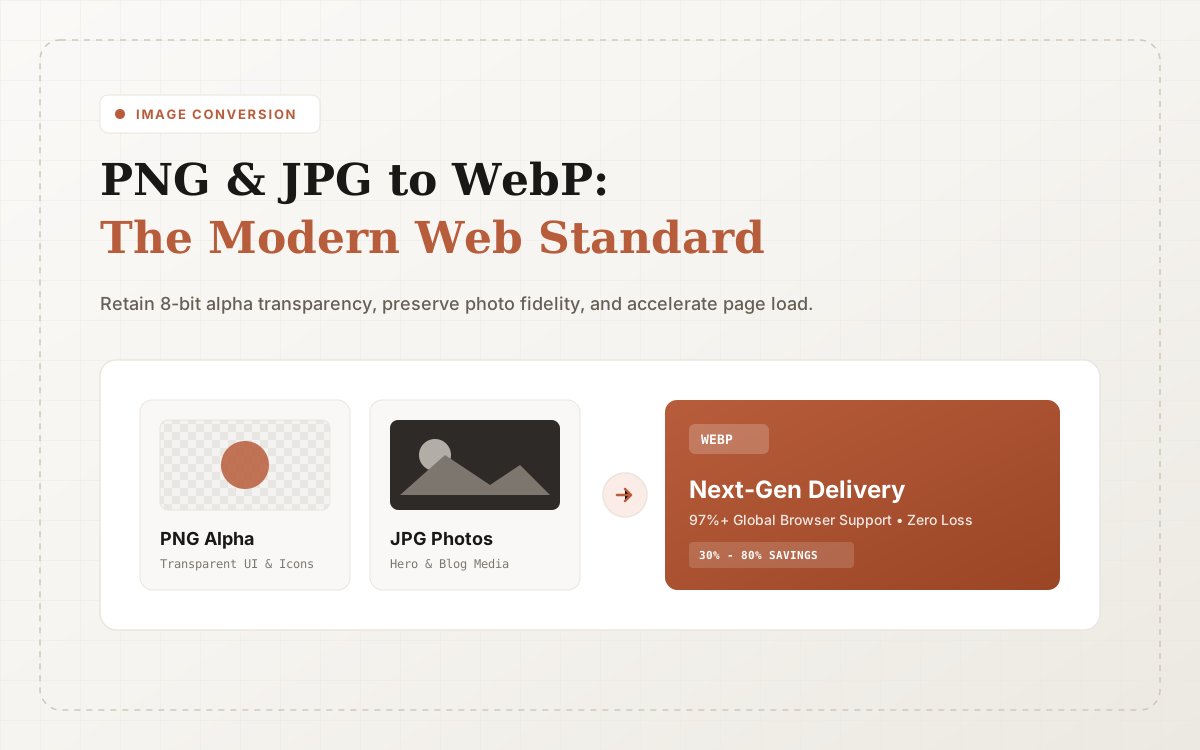
If you regularly produce product screenshots, blog hero graphics, landing page visuals, or content thumbnails, you repeatedly face two fundamental conversion workflows: converting PNG to WebP, and converting JPG to WebP. While they appear similar, the best pipeline depends on image composition, alpha transparency, and target page performance goals.
On ConvertZuno, your primary destinations for these operations are PNG to WebP and JPG to WebP. Both tools share the same drag-and-drop, parallel conversion, and ZIP batch download flow.
Why PNG/JPG to WebP Matters for SEO and Performance
Search engines don't rank a web page higher simply because a file extension says .webp. Rather, the benefits stem from the cascading performance improvements that modern image delivery creates:
- Smaller Payloads, Faster Downloads: WebP is typically 26%-34% smaller than PNG and 25%-35% smaller than comparable JPGs, shedding critical kilobytes off initial page downloads.
- Accelerated Core Web Vitals: Faster hero image loading dramatically improves Largest Contentful Paint (LCP) and Cumulative Layout Shift (CLS), generating strong algorithmic signals for ranking.
- 97%+ Worldwide Browser Reach: All modern releases of Chrome, Safari, Edge, Firefox, iOS, and Android support WebP out of the box with zero polyfills required.
Dedicated conversion tooling also builds topical authority. When search engines crawl distinct URLs for PNG to WebP, JPG to WebP, and Compress Image, they understand the semantic relationships across your media utility stack.
When to Use PNG to WebP
Use PNG to WebP when source images feature sharp text, UI screenshots, or transparent alpha layers:
- Dashboard UI screenshots and documentation steps;
- Transparent company logos, watermarks, and badges;
- Line-art illustrations and vector exports;
- Graphics with high contrast edges where JPEG compression artifacts would look blurry.
Standard PNG files often introduce unnecessary payload bloat. WebP preserves full 8-bit alpha transparency with lossless or near-lossless compression, making it the premier format for knowledge bases, help articles, and technical docs.
For vector graphics, skip raster PNG intermediaries and go straight to SVG to WebP for browser-side vector rasterization.
When to Use JPG to WebP
Choose JPG to WebP when handling rich photographic content with subtle color gradients and no transparency requirements:
- Blog hero banners and author headshots;
- E-commerce catalog and lifestyle photos;
- Event marketing banners and landscape photography;
- Social media open graph cards.
JPEG uses older discrete cosine transform compression that struggles with high frequency details. WebP uses predictive block coding to compress images 30% further without visible degradation. Should you ever need to restore images for legacy editing software, our WebP to JPG tool is always available.
Content Cluster and Interlinking Architecture
We encourage users and webmasters to navigate our cohesive topic cluster:
- Start with Welcome to ConvertZuno to explore our platform architecture;
- Convert transparent UI assets via PNG to WebP;
- Process photography and marketing visuals with JPG to WebP;
- If format is set but dimension and weight reduction is needed, use Compress Image;
- Explore compression trade-offs in our Image Compression Guide;
- Benchmark next-gen codecs in our AVIF vs WebP In-Depth Format Duel;
- Overcome iPhone compatibility hurdles with our iPhone HEIC to JPG & WebP Walkthrough;
- Explore all utilities anytime via the All Tools Directory or return to the Blog Hub.
Strategic internal links help users discover the right tool for their current file, while providing search engine bots with well-structured crawl pathways.
Sources & References
Format and WebAssembly claims link to official references; actual conversion results depend on the source file and encoding settings.
Try ConvertZuno Media Tools Now
Browser-first processing with batch ZIP exports; see the privacy policy for data-handling boundaries.